

How to Create and Get Your API Token
Creating and obtaining your API Token is a crucial step to securely connect FillFaster with other platforms. The API Token allows you to access various data and functionalities via the API without sharing your login credentials.
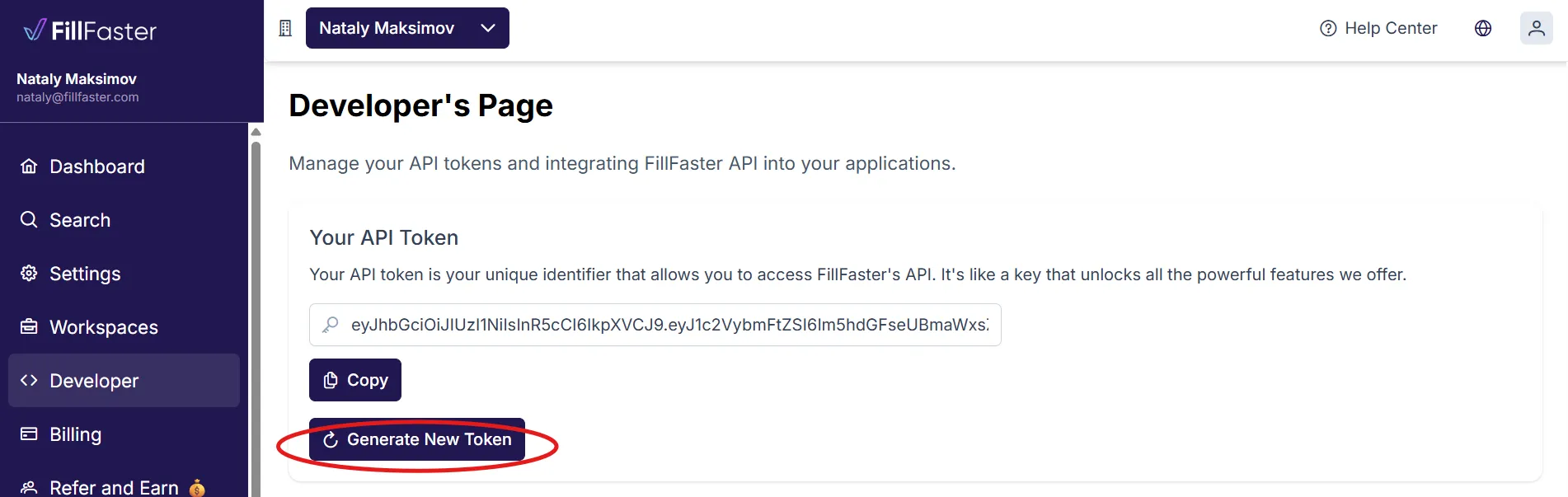
- Click on “generate new Token”.
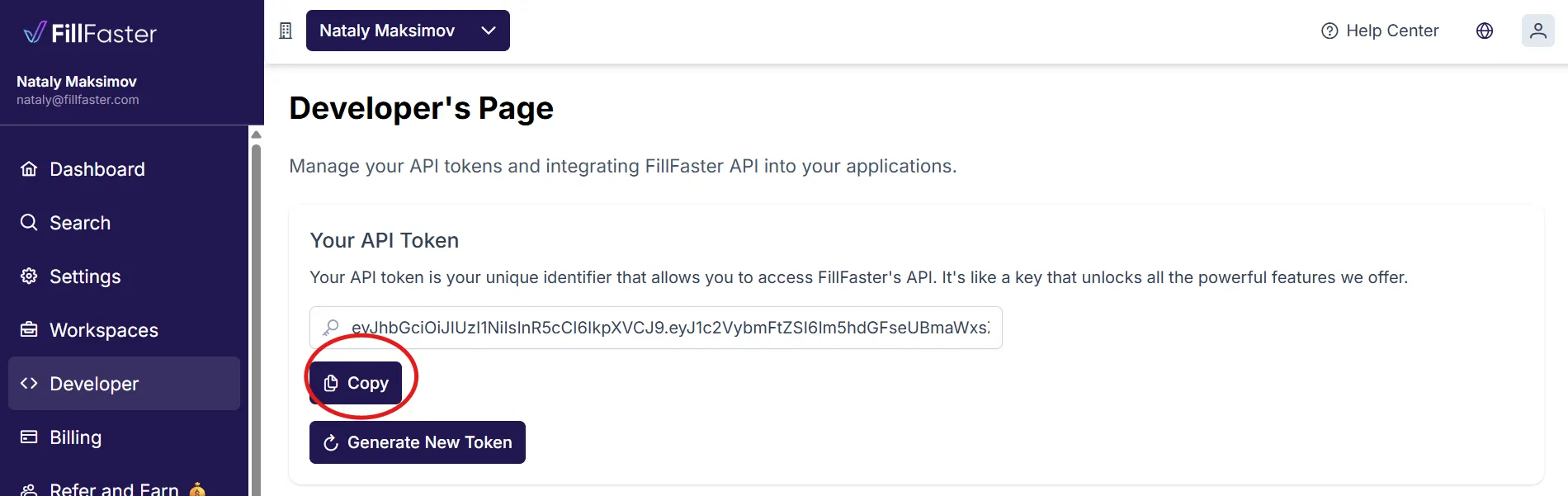
- Copy the generated API Token and store it securely.
Once you’ve successfully created and obtained your API Token, make sure to store it securely. Losing the token may require you to generate a new one to maintain access to the API.
Using your token in API requests
Section titled “Using your token in API requests”Send the token on each request using the Authorization header as Bearer <your_token> (exact header name and format are defined in the public OpenAPI security scheme-see fillfaster-openapi.json or the interactive API reference). Treat the token like a password: do not paste it into public chats, client-side code that ships to browsers, or source control.