

How to Resend Submission Link to Recipient
FillFaster lets you create online forms from PDF documents and collect data from your users and clients.
Here’s how to resend a submission link after sending it to your recipient.
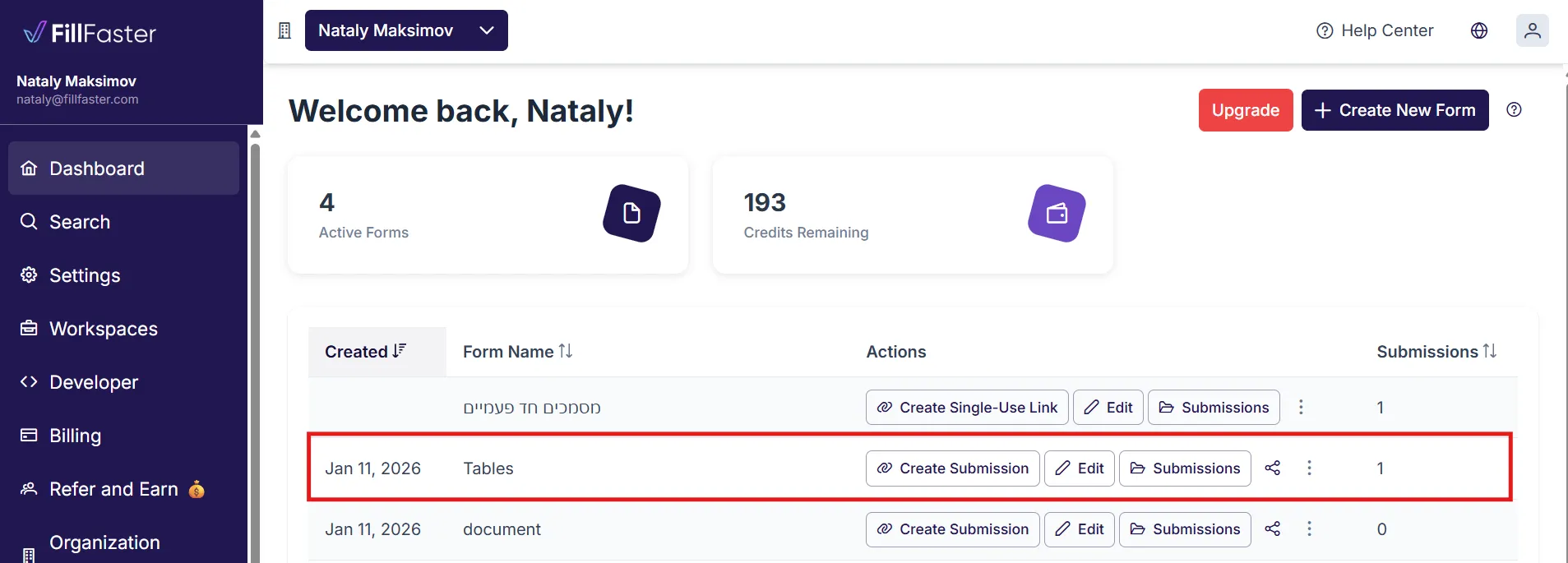
- Go to your Dashboard
- Select the document you need to resend
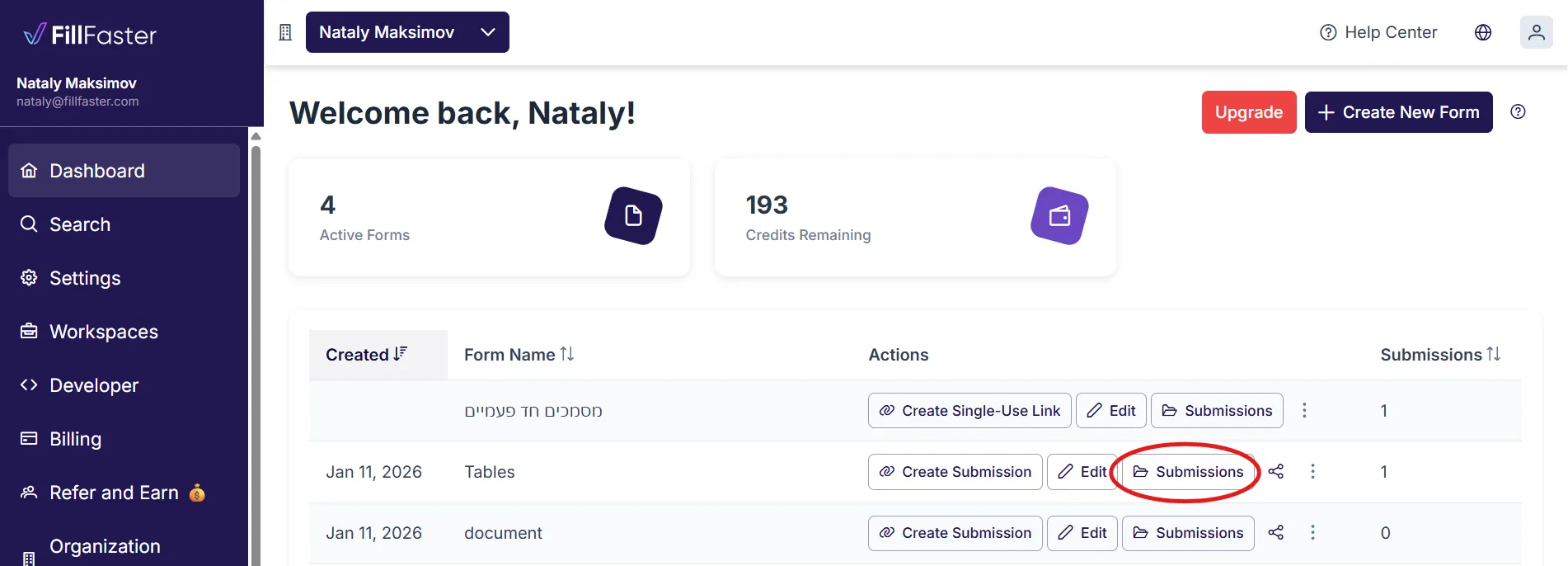
- Click “Submissions”
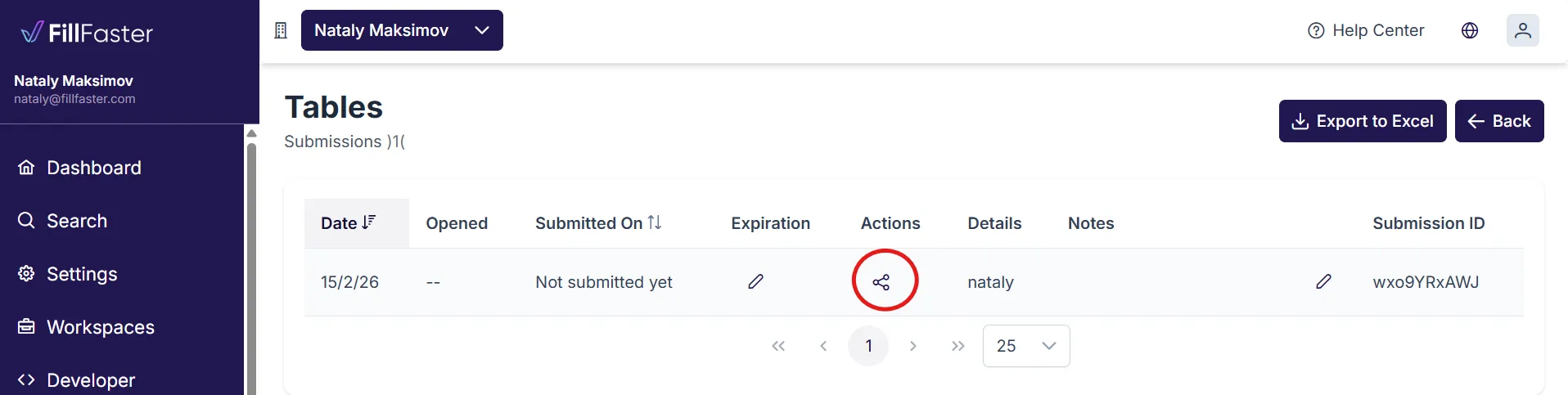
- Click on the link symbol to copy the link
- Send it to the recipient with your preferred channel (WhatsApp, email, etc.)
Note
You can only resend a submission link when the document hasn’t been submitted yet. Once submitted, the link will no longer be valid.